Plans and AI credits
GuppyCubed has three plans: Free, Monthly, and Annual. Paid plans are priced per person; Annual gets 2 months free. Every plan includes your first employee, GuppyCubed AI. When you need more, top up AI credits.
Current plans
| Item | Free | Monthly | Annual (paid upfront) |
|---|---|---|---|
| Price | US$0 | US$24 per person per month | US$240 per person per year (2 months free) |
| People | Up to 2 | Per person | Per person |
| AI credits | 5,000 per month for the workspace | 20,000 per person per month, pooled across the team | 20,000 per person per month, pooled across the team |
| First employee, GuppyCubed AI | Included | Included | Included |
| Features | First digital employee, team knowledge and tasks | Everything unlocked, all default assistants, verifiable work history, signed approvals you can check | Same as Monthly |
Paid plans are priced per person: adding someone to your team adds one more person at the same per-person price.
Add-ons
| Item | Price | What you get |
|---|---|---|
| Specialist employee (planned) | Planned price: US$49 each per month | Built-in industry standards, self-checks before delivery, 3 verification records a month |
| Single verification record | US$25 per record | One report and its attachments, including one round of follow-up checks |
| Enterprise and API | Contact us | Central governance, SSO, integrations, and verification API |
Specialist employees are planned and are not yet available for purchase. The table describes planned pricing and features; availability, features, and launch pricing will be announced separately. A specialist employee is not a licensed professional: it does not certify, file taxes, or issue legal opinions, and a person signs off on the final result.
How AI credits work
Credits are platform usage units, not model tokens. Organizing, transcription, analysis, and file generation use credits. Different entries trigger different processing, and input size, processing steps, and output all affect usage.
- Free and Monthly credits are issued each month and do not carry over to the next month.
- Credits cannot be transferred or exchanged for cash, and system failures are not charged.
- Where an estimate is shown, review the task and the estimated credits before delegating. Some entries show estimates; that does not mean every AI task has the same confirmation flow.
Top up when credits run out
US$10 buys 20,000 credits. Top-up credits are valid for one year. Available amounts, currency, and payment methods are defined by the subscription management screen.
Resource quotas
Every feature included does not mean unlimited resources. The Monthly and Annual plans include the quotas below; Free plan allowances are shown in subscription management:
| Resource | Quota |
|---|---|
| Projects | 5 |
| Websites | 6 |
| Storage | 10 GB |
| Recording per session | 60 minutes |
| Recording per month | 300 minutes |
Do not assume archived projects are excluded from quotas. When quotas change, the entitlements shown in subscription management apply.
Legacy plans
Basic, Growth, Pro, Flagship, and custom Enterprise plans keep their prices and entitlements for the contract term, move to the current plan at renewal, and are no longer offered to new customers.
Where to check your subscription
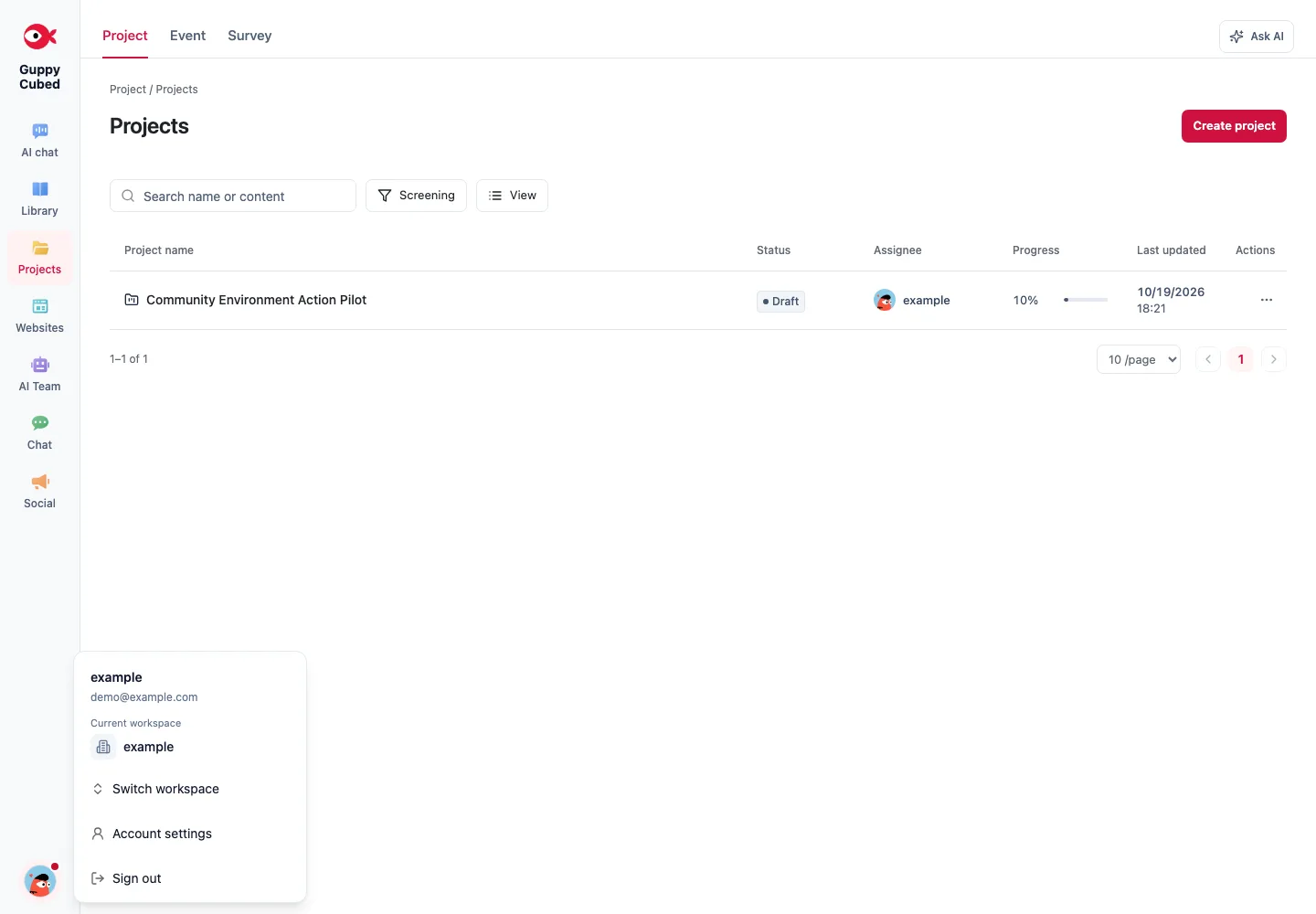
Open the Portal user menu and choose subscription management. Overview shows the plan, status, period, and resource usage. History provides records.
Storage, knowledge processing, and AI outputs differ
Original files use storage. Parsing, OCR, transcription, and indexing are knowledge processing. Conversations, analysis, and file generation consume AI work resources. Different entries trigger different processing; neither universal free upload nor universal full analysis should be assumed.
When you reach a limit
Determine whether the limit concerns storage, recording, or AI credits. For credits, open the top-up entry in subscription management and confirm workspace, currency, amount, and credits before deciding.
If a task repeatedly fails, retain its error and status and ask an administrator to investigate rather than repeatedly retrying or topping up. See troubleshooting.
Estimate usage with representative work
Observe a representative week: files, recording minutes, and report revisions. Use permitted test material of realistic size, complete import, organization, and delivery, record the displayed usage, then compare with monthly workload. A short question cannot estimate extensive media or long-document processing.
| Estimate | Information needed |
|---|---|
| Membership | Active workers and roles |
| Storage | Types, sizes, retention scope |
| AI work | Typical tasks and frequency |
| Delivery | Actual files, websites, and output needs |
Public-information corrections and appeals are not gated by subscription payment. Distinguish platform fees from donation processing; see donations.