Data security and privacy
This page explains how to use the relevant controls. See the official Privacy Policy for the full description of data collection, uses, sharing, retention, and your rights.
What cloud AI receives and who processes it
Depending on the feature, cloud AI may receive chat messages, relevant conversation and workspace context, documents, images, URLs and retrieved web content, recorded audio, transcripts, and relevant content from services you authorize. This content may include personal data you provide.
Data passes through the platform's servers to AI services. Recipients include:
- OpenAI;
- Google (Gemini);
- Amazon Web Services (Anthropic Claude models through Amazon Bedrock);
- Groq.
Recipients depend on the feature and model routing; not every request goes to every provider. Purposes include answering questions, transcription, summaries, classification, search indexing, and generating content you request.
The official policy describes the data-protection requirements for recipients. Processing and retention depend on service purposes, applicable provider terms, and legal obligations. Data may be processed in other countries; do not assume all providers offer zero retention.
Mobile AI consent and withdrawal
These instructions apply to app versions that include the AI data use screen. After your first sign-in, review the data categories, recipients, and purposes, then choose Agree to use cloud AI or Not now. Microphone permission, registration, and acceptance of general Terms do not replace AI data-sharing consent.
Choosing Not now still allows viewing existing data and ordinary collaboration. New AI conversations, cloud recordings, knowledge imports, and analysis require consent. Recovered local recordings and background share imports also check consent before transmission for AI processing.
To review or change your choice:
- Open Account → Settings → AI data use.
- Read the notice. If consent is enabled, choose Withdraw AI data-sharing consent to withdraw it.
- Return to this screen to give consent again when you want to use cloud AI.
The choice is stored per account on that device. Withdrawal stops new AI transmissions from that app device. It does not recall submitted server jobs, delete existing cloud content, or withdraw consent on other devices. Use the deletion controls for recordings, files, and conversations, or contact support@guppycubed.com to request deletion.
If recipients are added or the scope of shared data materially changes, the disclosure will be updated and consent requested again before sharing under the changed scope.
Apple purchases, refunds and data sharing
These steps apply to iOS app versions with Purchase history & refunds. Open My → Plan & Subscription → Apple plans and credits → Purchase history & refunds to view your Apple purchases for the current workspace and their transaction IDs, or request a refund from Apple. Use the Apple Account that made the purchase. Submitting a request does not mean Apple has approved it and does not immediately remove access. Use Manage Apple subscription to stop automatic renewal.
Share refund review data with Apple is off by default. Turning it on displays a disclosure; consent is saved only after you choose Agree to share. When Apple requests refund review information, the platform sends the transaction's delivery status and whether a trial or functionality information was provided. It does not send recordings, transcripts, photos or chats.
This choice is stored with your GuppyCubed account and applies to that account's Apple purchases. It is separate from AI data-sharing consent on your device. Turn it off here anytime to stop future disclosures. Declining or withdrawing does not affect purchases or refund requests. Manage information already sent to Apple through Apple Data and Privacy. Contact support@guppycubed.com for requests about platform-held data.
If the native refund form cannot open, use the Apple refund website linked on the page. If access has not synchronized after an approved refund, give support the transaction ID; recordings and other private content are not needed.
When cloud recordings are sent and local sources are cleared
Cloud recording sends audio segments for recognition during recording and automatically completes submission and subsequent processing when you stop. AI data-sharing consent is therefore required before using this feature.
The app clears recoverable local sources only after the complete cloud recording is confirmed available. Failed or offline submissions retain data for retry. Check saving and upload results before clearing app data or reinstalling while recordings are pending.
Who can see what: permissions are enforced by the backend
GuppyCubed restricts data access at the workspace or organization, project, and folder levels. The backend validates and enforces these permissions; access does not depend only on whether a button is visible in the interface. When AI helps organize information, it can only access the scope you have authorized at that moment. Knowing that data exists does not grant access to it.
File uploads and storage
- Large files upload directly to cloud storage instead of passing through the application server as a complete package, reducing the risk of failed uploads;
- Privacy and sharing scopes can be configured for folders and individual files;
- GuppyCubed backend services and cloud storage retain formal data. It does not exist only inside a temporary AI execution environment.
Authorization before AI reads data
- AI in a standard project conversation is limited to the workspace and project scope authorized for that conversation;
- Tag AI in team conversations has narrower tool permissions and does not automatically read the entire workspace;
- External actions, such as using a connected Google service to read email or create a calendar event, require stricter confirmation and are not performed automatically without approval.
Account security
- Sign in with email or phone verification, Google, or Apple;
- Secure sessions support sign-out and role switching;
- Review authorized connections to Google and other external services regularly, and revoke access you no longer need.
System reliability
- Important background work, including document parsing and AI tasks, displays processing status and supports retries. A failure is clearly marked rather than disappearing silently;
- The platform continues to strengthen data retention and deletion policies, disaster recovery, and fine-grained external service connection management. This page will be updated as those mechanisms become available.
What to do if you have concerns
If data access differs from your expectations or you have a security concern, see Troubleshooting or ask your workspace administrator to review the permission settings.
Check the intended sharing scope
Distinguish internal work, named partners, and public pages. Workspace access does not authorize public disclosure of an original file or personal information. Review names, contact details, participant lists, and other non-public material before publishing.
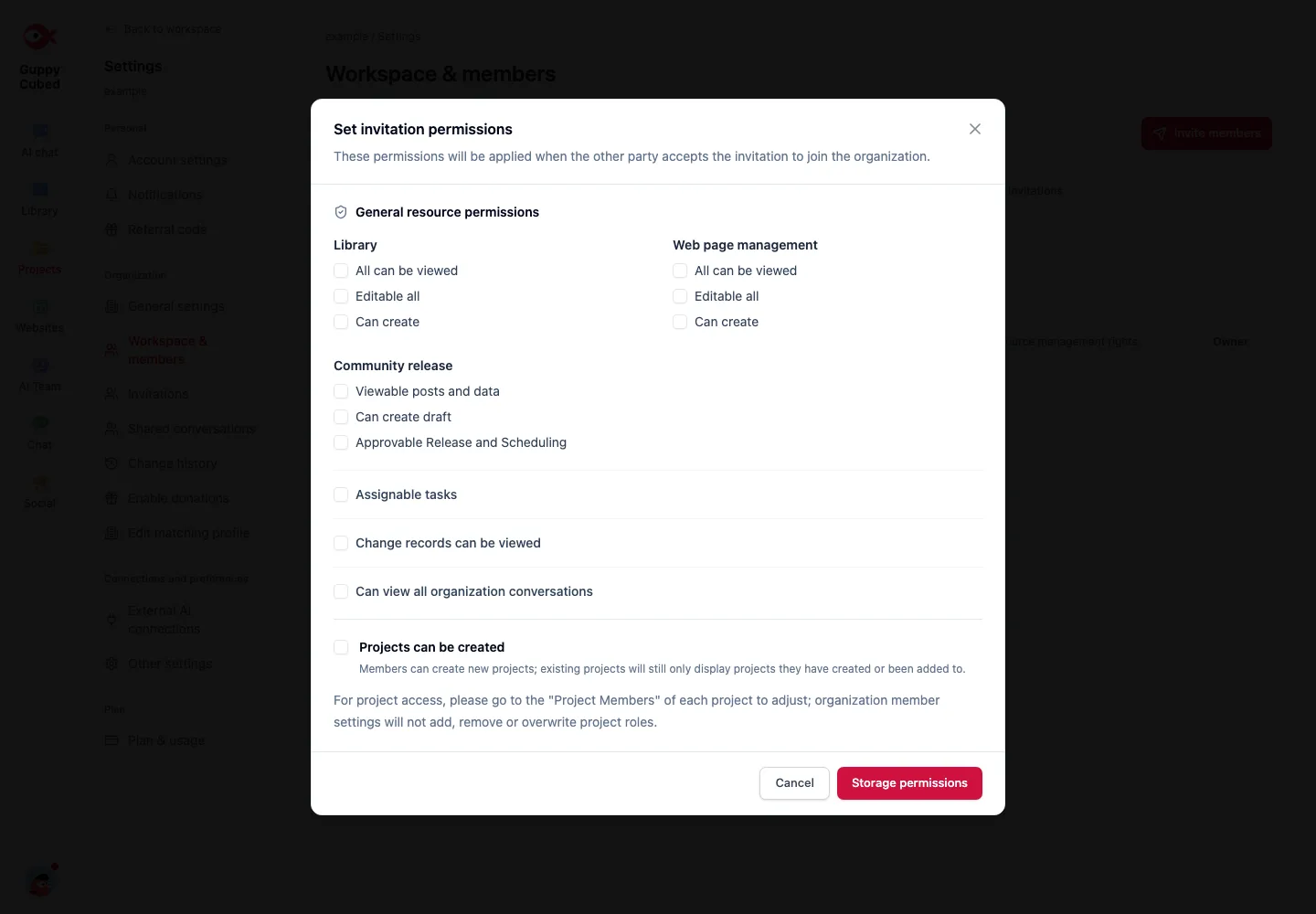
After an external collaborator joins
Have an administrator review roles and folder sharing. Correct authorization problems rather than copying restricted files into public locations. Review continued access when the work ends.
Screenshots and prompts can disclose information
Use demonstration screenshots or remove real contacts, billing usage, and private records. Keep only necessary context in issue examples. Do not place passwords, verification codes, or access credentials in documents or AI conversations.
Unexpected access
Record time, material type, intended identity, and actual visibility. Avoid further distribution and notify an administrator. Provide the minimum context needed rather than attaching the entire sensitive file.
Access, publication, and consent differ
Workspace access concerns the current role. Publication also depends on purpose, consent, and team rules. A downloadable file is not automatically suitable for onward sharing.
| Version | Typical contents | Review |
|---|---|---|
| Original | Interviews, lists, internal discussion | Destination and necessary access |
| Internal draft | Summary, analysis, actions | Inference and open points |
| Public explanation | Approved process and results | Personal detail and limitations |
Ask another member to inspect the public version and its links. A clean summary may still link to a full private source.
Recordings and external material
Obtain appropriate recording consent and explain use and retention. Confirm permission to use imported material; readability and republication are different. Refer situation-specific legal judgments to the relevant professional.
If material is misplaced
Identify affected content, readers, and links, then restrict sharing through available controls and involve the responsible administrator. Do not amplify exposure by copying sensitive material into broad conversations or tutorial captures.