Troubleshooting
Sign-in and verification issues
- Verification email or text message does not arrive: check the spam folder and confirm that the phone number or email address is correct;
- Google sign-in fails: confirm that the Google account is not already connected to another GuppyCubed account;
- A workspace is missing after sign-in: confirm that you used the same account, or ask an administrator whether your member invitation remains valid.
Upload failed or processing is stuck
- Large files and unstable networks are more likely to fail. Upload again over a stable connection;
- If the mobile app records or uploads while offline, it temporarily stores the data on the device and resumes when the connection returns;
- If the status remains “Processing” for a long time, refresh the page first. Upload the file again if the status still does not change.
AI output does not meet expectations
- Confirm that the required data finished uploading and displays a “Completed” processing status;
- Make the request specific: name the project and information AI should use. A clearer authorized scope usually produces a more accurate result;
- AI output is a draft. Verify figures and statements against their sources before external use.
Information or a feature is missing
- Confirm which workspace you are currently viewing. Data belongs to a specific project or workspace;
- Confirm that your role has access to the feature. Ask a workspace administrator to review your permissions.
Contact support
Workspace administrators can find the support entry point in Settings. Customers on legacy plans keep their existing support arrangements for the contract term; see plans and AI credits for the current plan.
Locate the stage where the problem occurs
| Symptom | Check first | Useful report context |
|---|---|---|
| Cannot sign in | Original method, network, error | Time and entry |
| Missing material after sign-in | Workspace, role, folder, filters | Expected location |
| Uploaded but not analyzable | Processing and file type | Type and processing stage |
| Irrelevant AI answer | Selected sources, scope, period | Expected result and minimal example |
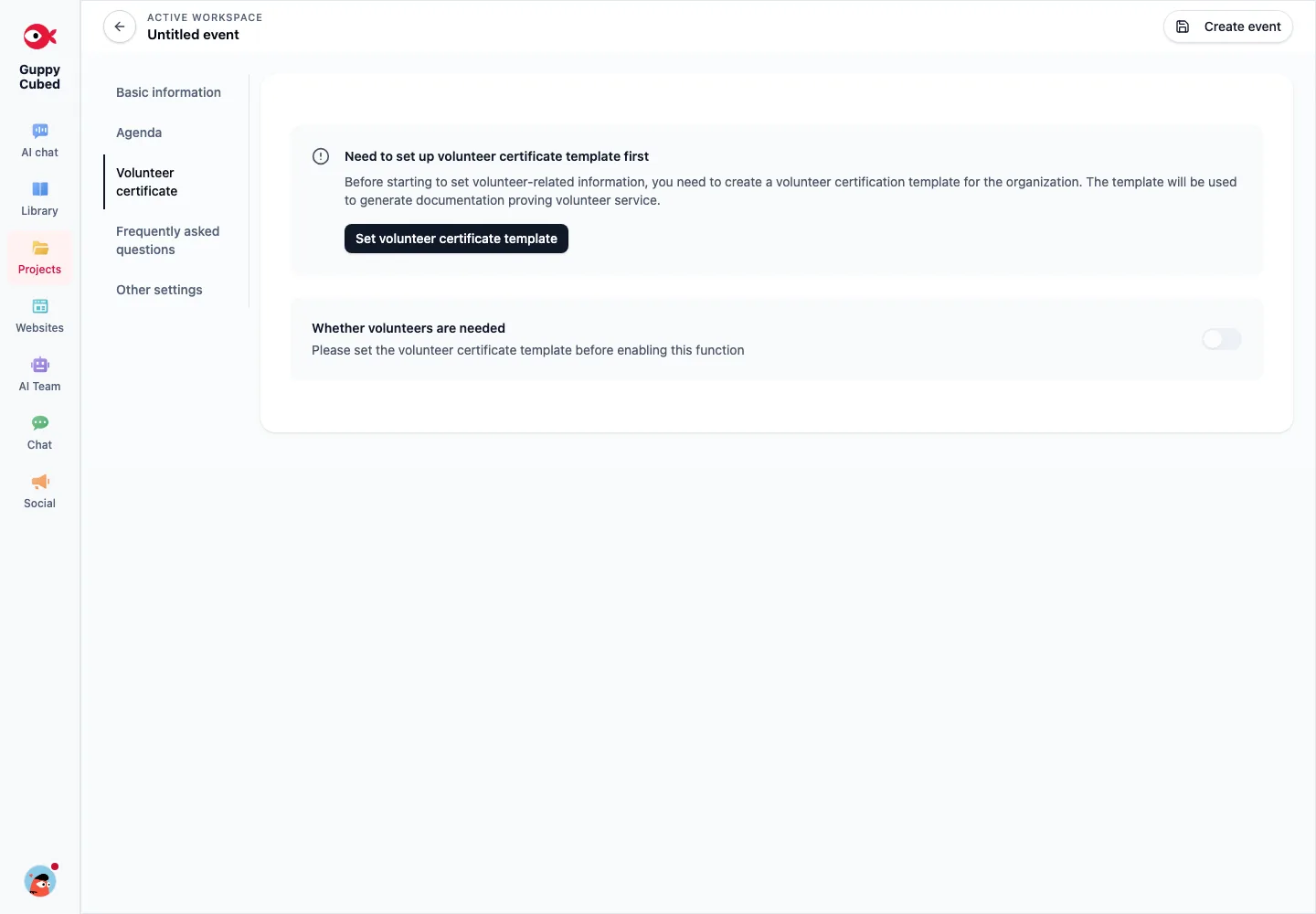
| Unavailable feature | Permissions, plan, prerequisites | Prompt and active identity |
Processing is not failure
Large documents, media, and generated reports take time. Inspect status and errors and retain originals. Avoid repeatedly creating the same work during a wait. Use the available retry action after an actual failure and record recurrence.
A useful issue report
State the time, workspace identity, entry, action, expected result, and actual state. Include what you already checked and a screenshot with personal information removed. Add browser or app version. Passwords and verification codes are not needed to describe the issue; share only the affected resource context.
Describe entry, action, and state
“After adding text, the file appears in the library but AI cannot find it” is more actionable than “AI is broken.” Include destination, source selection, and processing state.
Troubleshoot in order
- Check account, workspace, and role.
- Verify the previous operation completed: upload, filing, or submission.
- Inspect required fields and prerequisites.
- Check filters, search, and folder before assuming loss.
- Retain the error and time, then provide a redacted capture if needed.
Common state confusion
Listed actions may not be created tasks. Upload may precede transcription. Submission may precede human acceptance. Saved drafts may precede publication. Identify the expected stage before troubleshooting.
Verify before retrying
After a slow response or lost connection, inspect records before clicking repeatedly. Retry explicit failures through available controls and retain originals when reimporting.
Provide page, state, and steps without passwords, full participant lists, or private source content.