How does GuppyCubed fit alongside Notion or Google Forms?
Do I need GuppyCubed if I already have collaboration tools?
You do not need to replace every tool first. Collaboration tools store documents and discussions; a GuppyCubed digital employee takes on the work itself: it remembers team context, collects material from teammates, follows up on gaps, and links every important number to its source. Try one workflow with team handoffs and assess whether it reduces repeated data transfers.
Can I continue with existing survey data?
Start by importing organized spreadsheet data, check columns and response previews, then use statistics or create an AI analysis dataset. Paper responses must first be prepared in a supported table; importing arbitrary paper does not automatically produce accurate statistics.
How do event registration and reporting connect?
Plan registration, attendance, and feedback collection, then organize records, photos, and survey data as report sources. Registrations, actual attendance, and valid responses are different measures and need an owner's review.
How do donations connect to outcome reporting?
Donation records, receipts, and fund-use content support collection administration and public communication. Outcome reports still require supporting work records and checked information. Public fund-use explanations are not accounting reconciliation.
How much does it cost?
The Free plan covers up to 2 people with 5,000 credits a month, including GuppyCubed AI. Monthly is US$24 per person per month with every feature and 20,000 credits per person per month, pooled across the team. Annual is US$240 per person per year: 2 months free. Specialist employees are planned and are not yet available for purchase. You can top up when credits run out.
Compare a workflow, not just feature names
| Current situation | First workflow to try | What to evaluate |
|---|---|---|
| Files are scattered across people | Organize material and task submissions in one workspace | Can the next person find sources and the next action? |
| Responses exist but the report does not | Import, validate responses, and create an analysis dataset | Are indicator definitions and valid samples clear? |
| Photos and lists are missing after an event | Assign collection tasks before the event | Does closeout require less chasing? |
| Partners need regular updates | Use reviewed material for a period-specific summary | Are previous data and current results distinguished? |
Handoffs when keeping existing tools
Identify the source version, reporting period, and owner for the deliverable. Sample-check imported records before others use them. When an external source changes, review whether the import and previous report need updating; do not assume all copies synchronize automatically.
This page compares workflow needs and adoption choices. Other products determine their own features, plans, and integrations.
Next: surveys, events and volunteers, and donations.
Compare a survey workflow
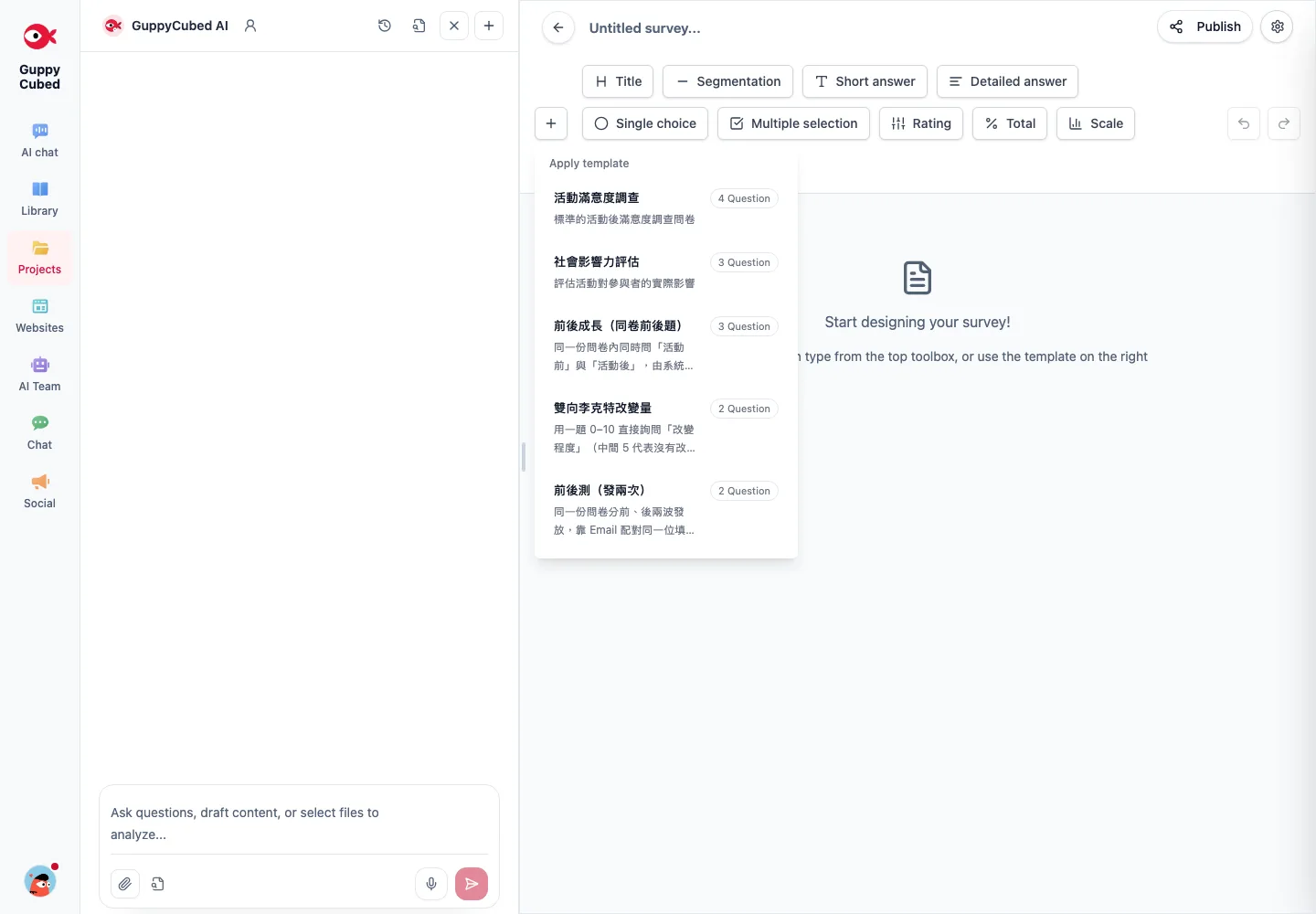
Compare what the next person needs
Existing tools may suffice for notes or a simple form. When responses connect to projects, field records, and delivery, also evaluate shared context and responsibility for review.
Repeatable comparison
Use a small set of tutorial responses, prepare a summary, and give it to another member to verify. Record transfers, extra explanations, and how originals are found. Table creation alone is not the whole workflow.
| Stage | Question |
|---|---|
| Collection | Are questions clear and mobile-friendly? |
| Organization | How are duplicates, gaps, and open text handled? |
| Ownership | Who checks and follows up? |
| Delivery | Are sources and the adopted version retained? |
Start with selected historical material
Import only what a near-term delivery needs. Retain field definitions, period, and origin, then validate the result. Do not combine changed survey versions solely because columns occupy the same positions.
Test a GuppyCubed digital employee on collection and delivery in your own workflow. Different tools do not remove the need for question design, source checks, or human handoff.