Working with the mobile assistant
Use the assistant to clarify next actions, organize collected material, or continue project discussions. Confirm the workspace and prepare relevant sources before starting.
1. State a concrete goal
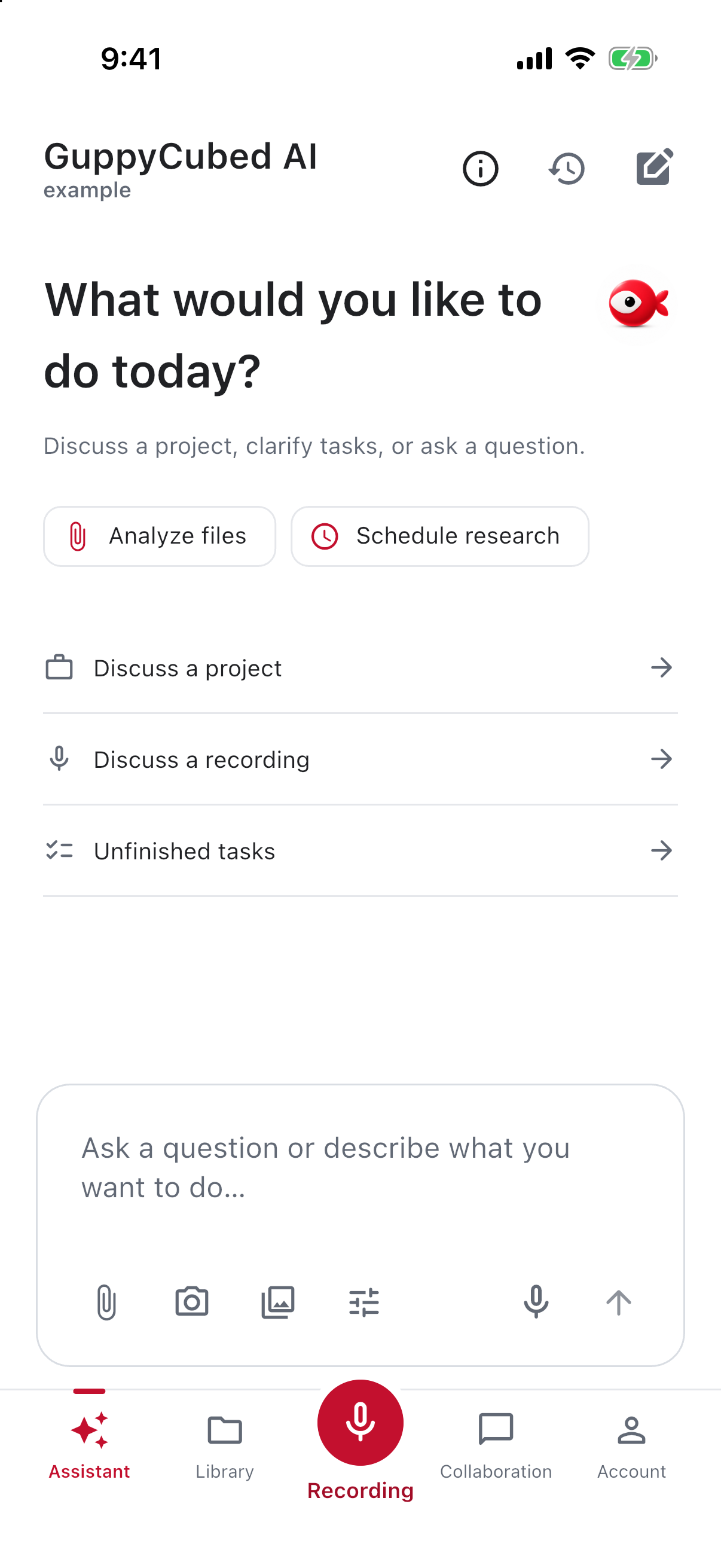
Name the audience, sources, and output: “Prepare an interview summary for the project owner, separating confirmed material, open questions, and next actions.” Say explicitly if you want only an outline first.
2. Add relevant material
Use the available attachment or add entry. Photos provide field context; files preserve original records. Check names and periods before sending and avoid selecting another project’s information.
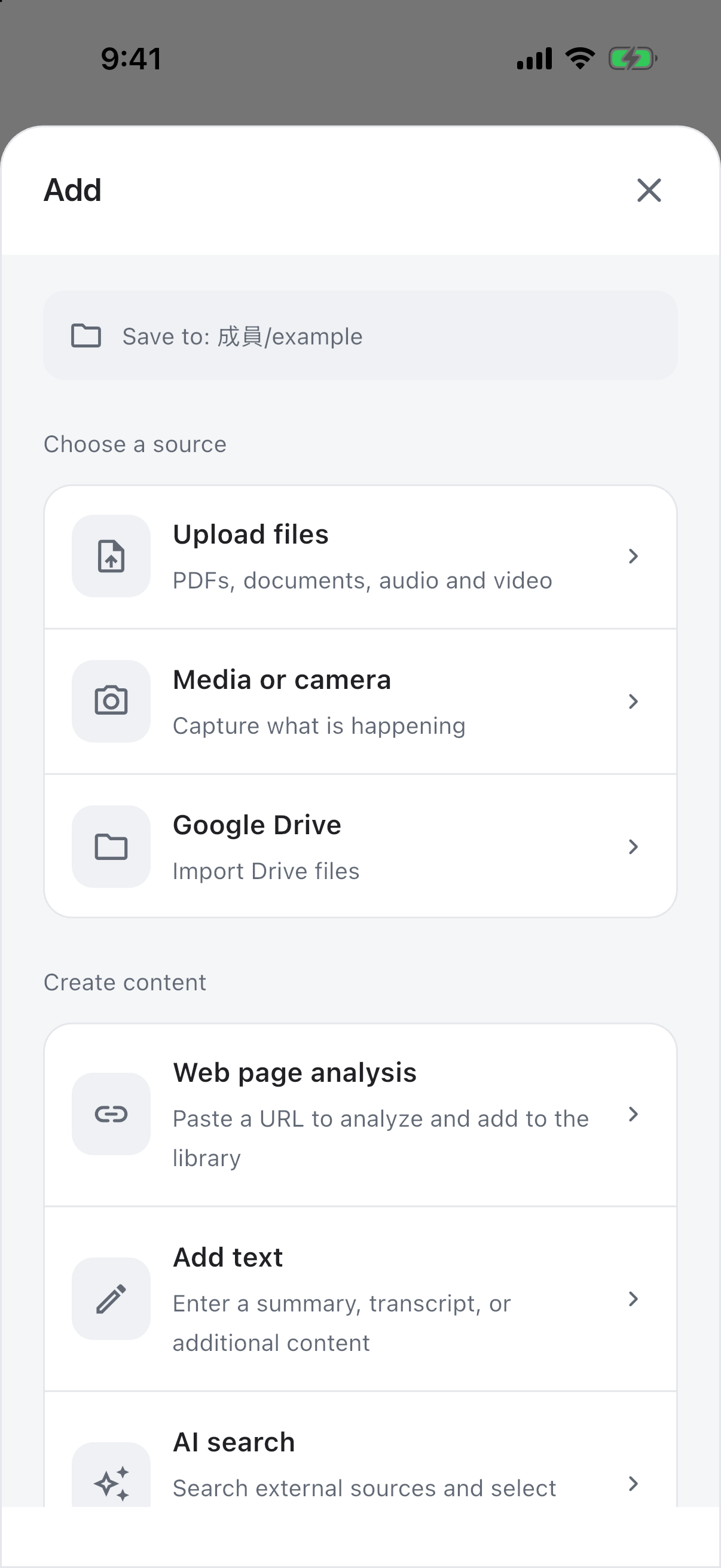
3. Check tool scope
For Skills or external services, confirm availability and read authorization or usage prompts. Tool configuration does not expand your data permissions. Resolve disconnected-service messages before retrying; an error message is not an analysis result.
4. Review the response against its sources
Check figures, names, and dates, distinguish inferences from observations, and request missing sources. Convert human follow-up into work with owners and deadlines.
Voice input or recording?
Dictate a short request through voice input and review the text before sending. To retain a full meeting or interview, use recording and preserve playable original audio.
Give a clear mobile request
Identify the material and output, such as decisions, roles, and unresolved points from a meeting note. Check attachment upload and processing before asking for source-dependent work.
Review the response
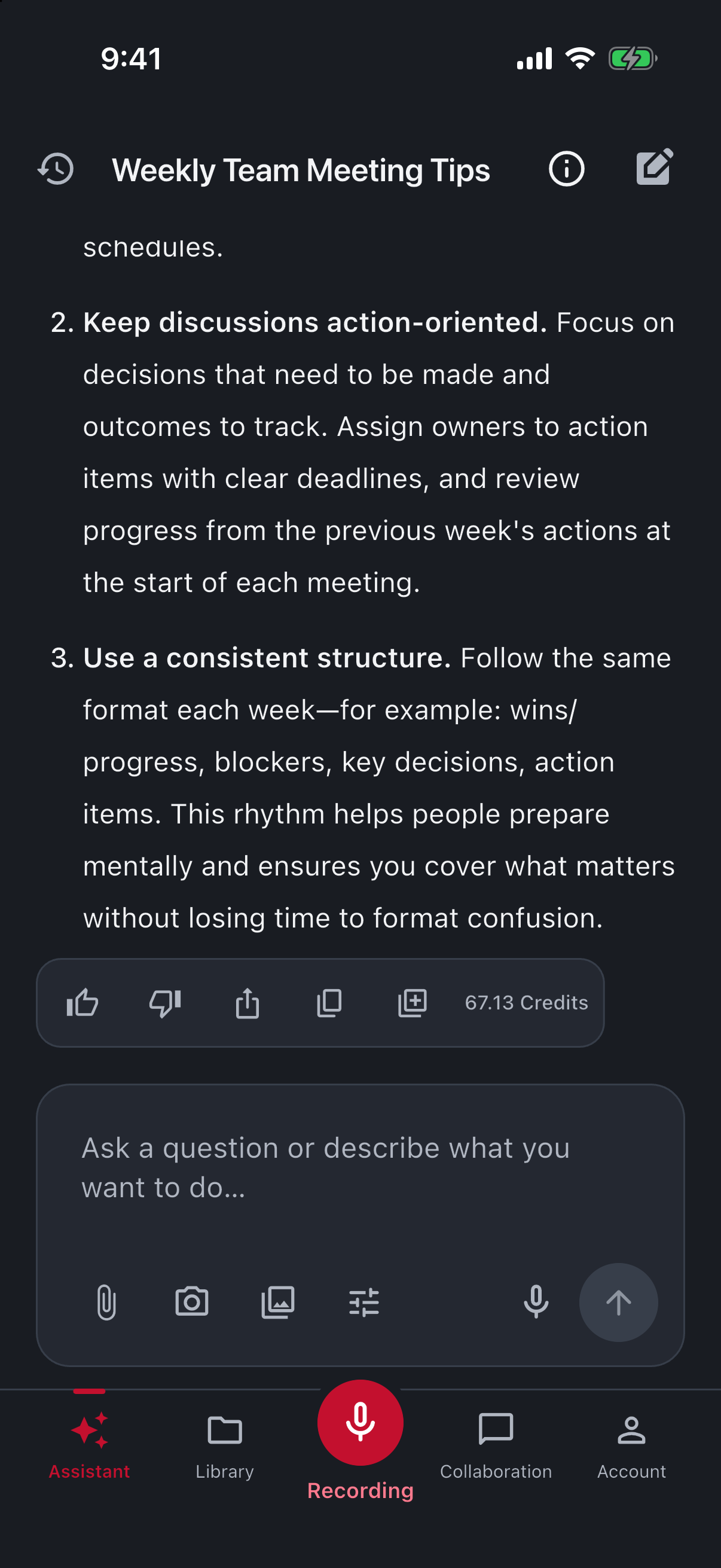
Verify names, dates, figures, and roles against the original. Leave unspecified deadlines pending. For long replies, check the requested structure before inspecting important details.
Continue with a precise revision
Keep confirmed decisions. Change item two to asking about venue equipment; the source does not establish a reservation. Then list remaining human questions.
This identifies what should remain and what needs correction. When changing source material, verify selection instead of abruptly switching topics.
Use response actions deliberately
Copying supports handoff. Check disclosure before sharing. When saving or adding knowledge, verify the destination and resulting record rather than assuming a visible button establishes delivery.
Assistant versus team conversation
Assistant replies are generated help; team conversation involves actual members. Connect proposed actions to explicit requirements and responsibility. An AI to-do does not mean a colleague received an assignment.