Chat, tasks, and deliverables
The collaboration page combines chat, tasks, and contacts. Conversations clarify work; tasks preserve deliverables, ownership, and deadlines.
1. Find the right conversation
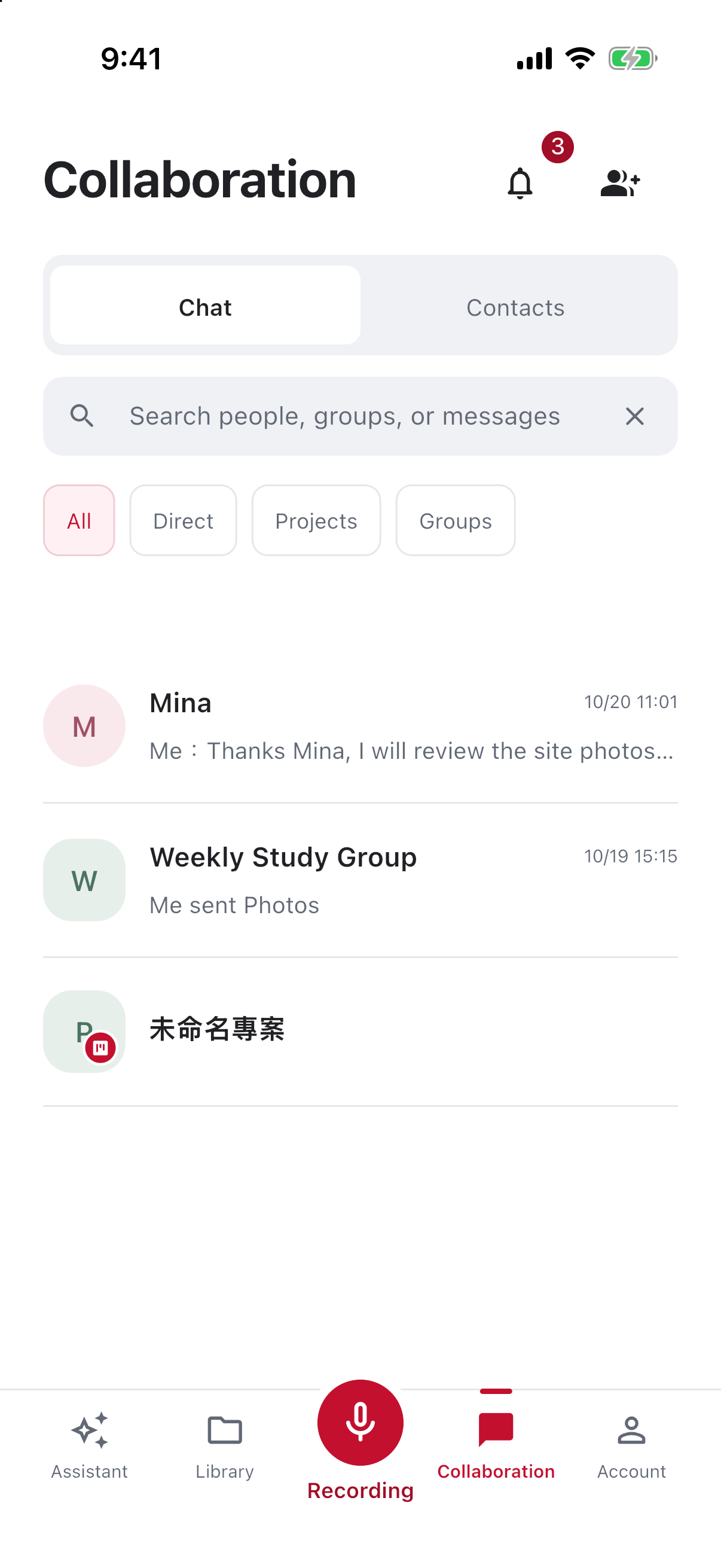
Check the workspace before finding a person or group. Keep project decisions in the relevant discussion where possible. An unread indicator identifies new content; a read receipt does not mean work is complete.
2. Explain why you are sharing material
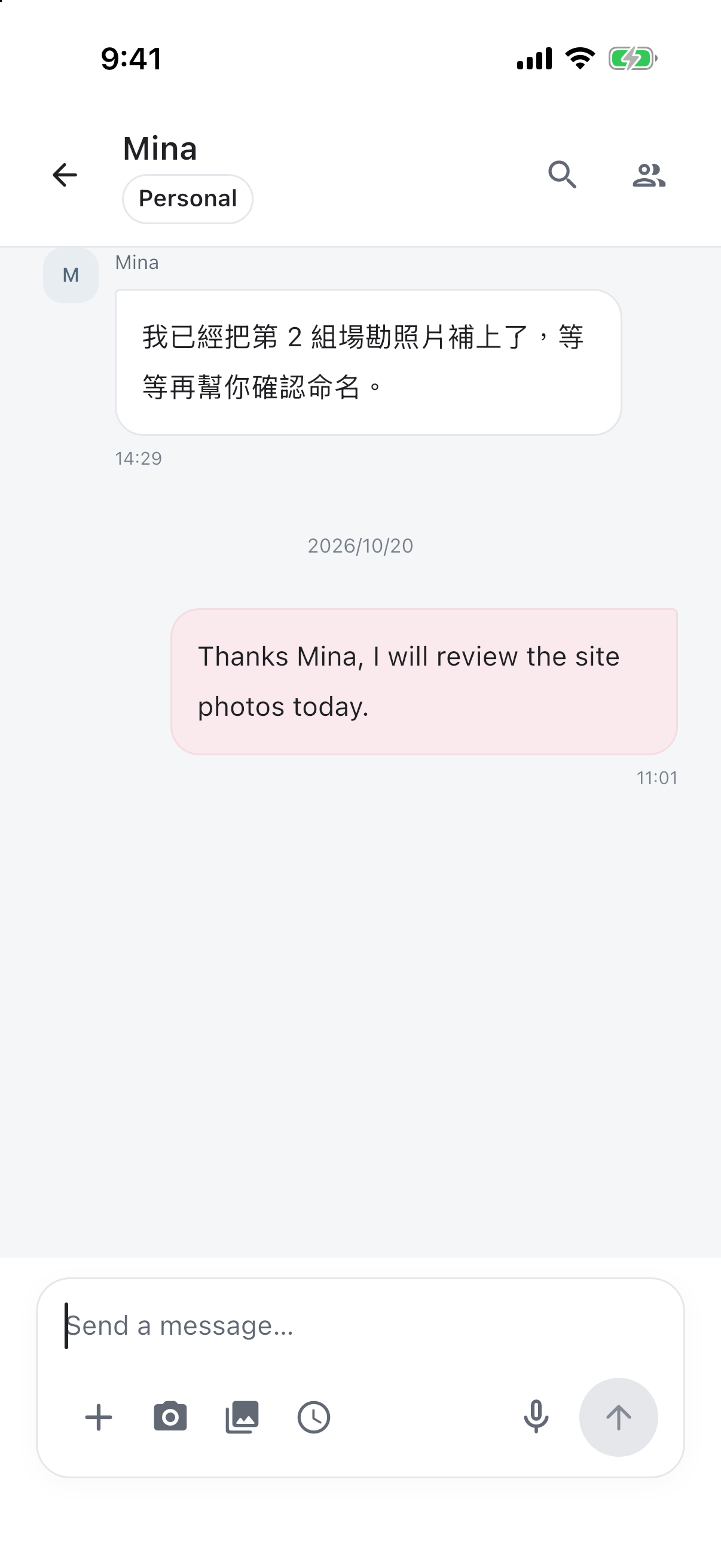
For a photo, name the event, moment, and requested review. Give AI a specific request within the authorized scope. An unchecked AI summary is not an agreed decision.
3. Check task requirements
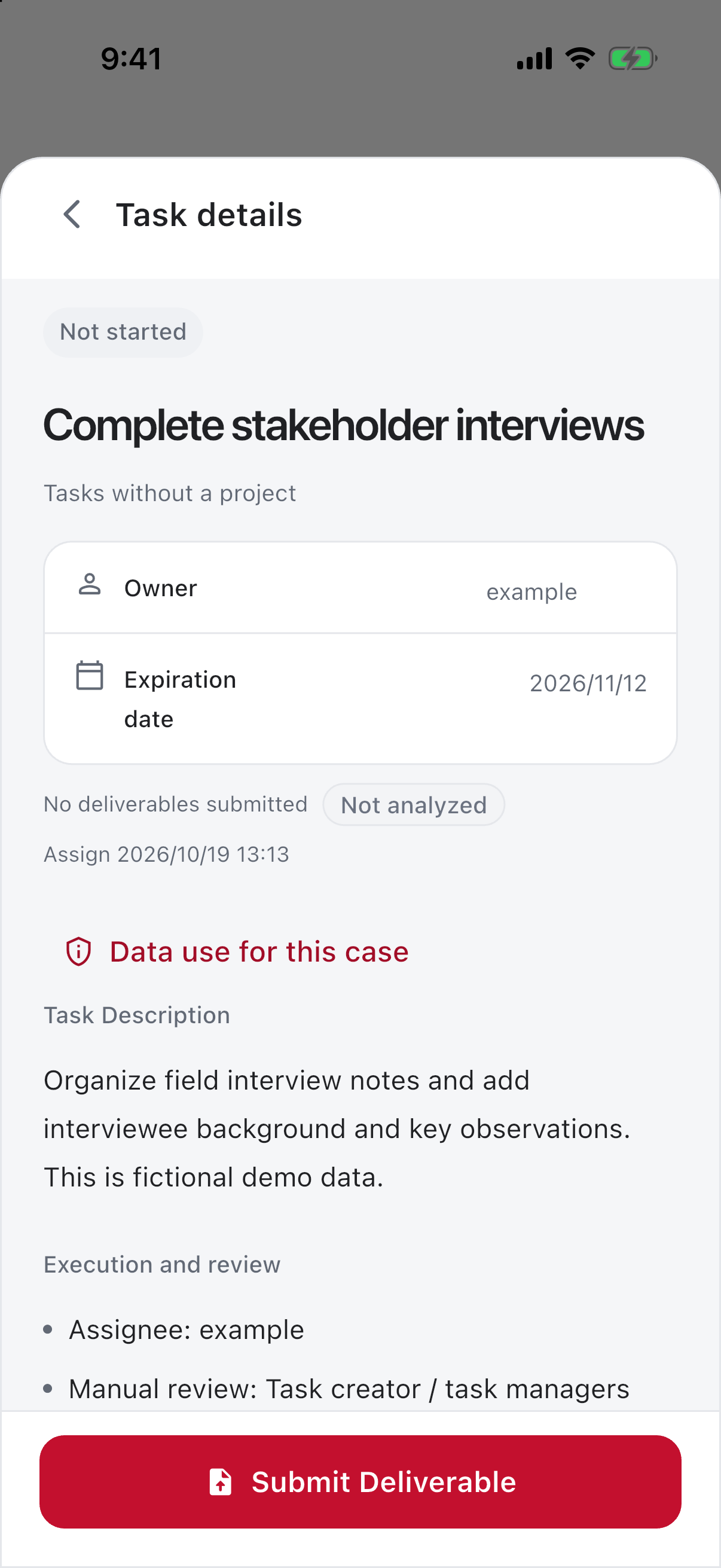
Read completion criteria before preparing files. If the task asks for a transcript and summary, provide both. Clarify uncertain requirements in conversation before submission.
4. Follow the review outcome
Check submission and processing status. Respond to review comments with a revision explaining changes and sources. Upload, AI analysis, and human review are separate stages; a file’s presence does not mean approval.
Prepare for reuse
Use available knowledge-saving flows for material with continuing value. Preserve sources and applicability so later assignments can cite it without asking the original author again.
Identify your role in the task
Assigned work and tracking others serve different purposes. Executors need requirements and deadlines; reviewers need acceptance criteria and gaps. Check tab, filters, and workspace before assuming a missing task was deleted.
Match the deliverables
If a task asks for a progress report with meeting notes or audio, prepare both the report and support. A completion screenshot alone may not explain the work; audio alone may lack a usable summary. Check each requirement before submission.
Read submission and acceptance together
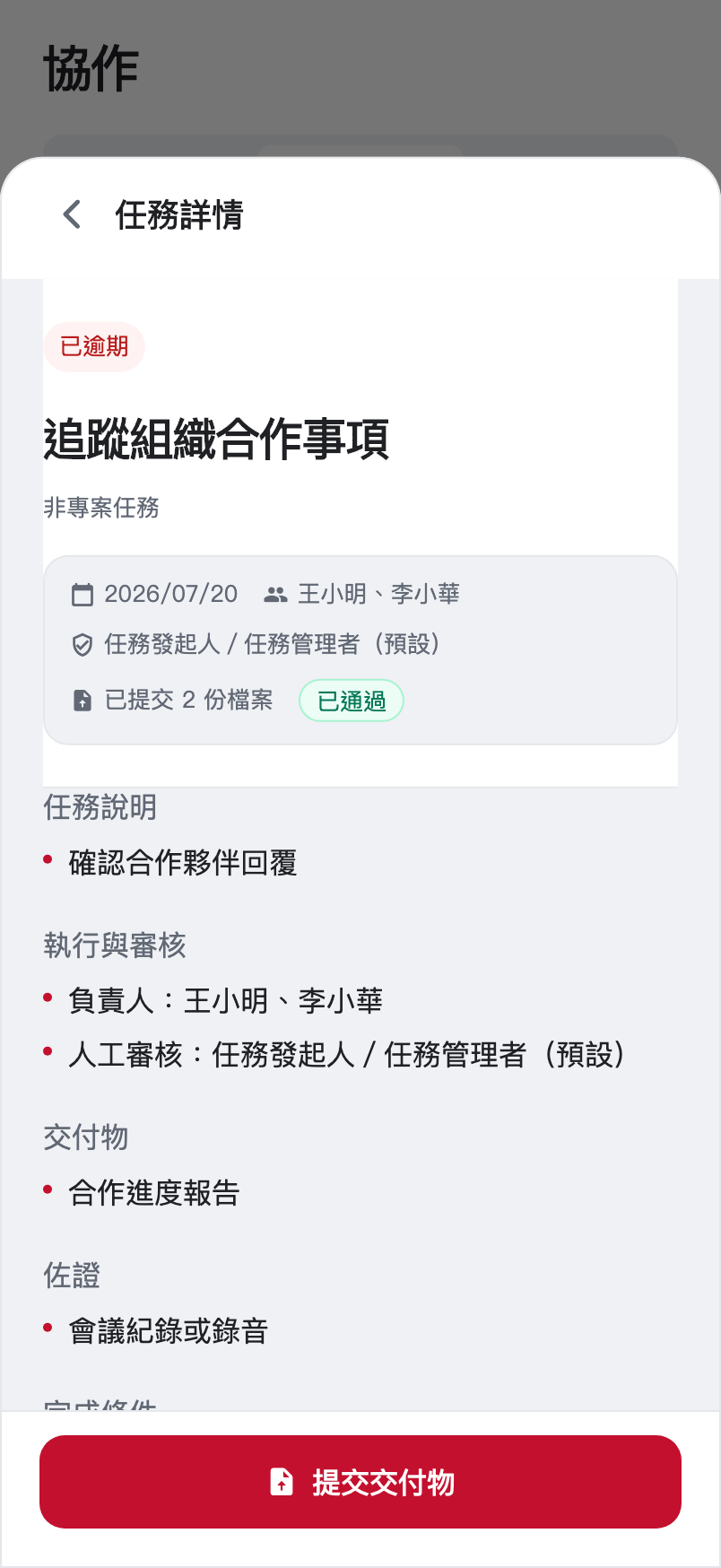
File count indicates submitted material; review state indicates acceptance progress. Deadline status is separate: work can be late and subsequently accepted. Read date, delivery, and state together rather than relying on color.
Explain revisions
Added the meeting source and restored an unspecified deadline to pending. Revised the venue discussion in section two; retained the checked content elsewhere.
This directs review to changed material. Agree on changed requirements before silently expanding the scope.
Reuse accepted work
Add useful material through available knowledge controls after checking audience, destination, and version. Acceptance concerns this task's review scope, not public permission or automatic synchronization of future outputs.