Notifications, appearance, and troubleshooting
Settings controls reading preferences, notifications, and workspace entries. Configure the device before field work to reduce missed messages and navigation problems.
1. Adjust text, language, and appearance
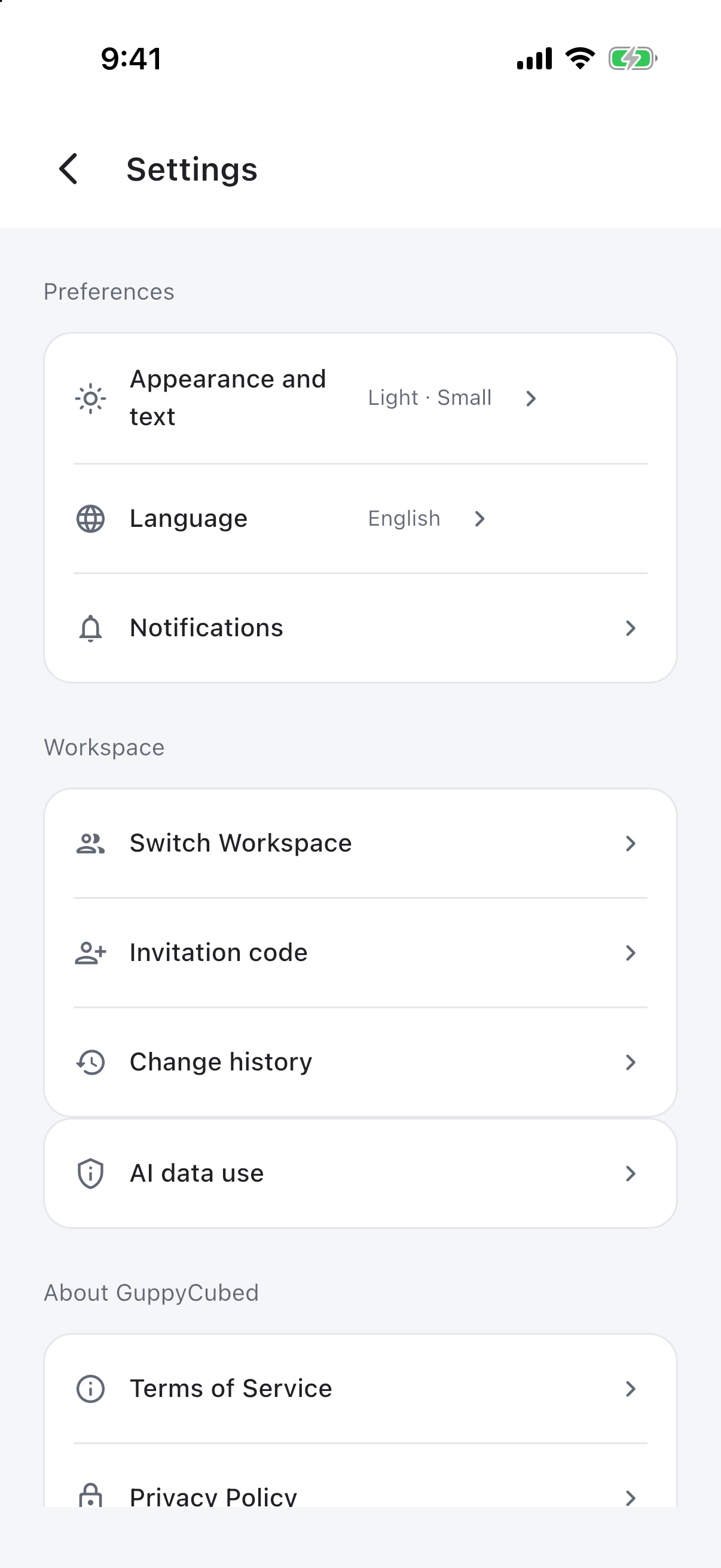
Choose a comfortable text size and appearance, then check a task or transcript. Larger text requires more scrolling. Changing interface language does not automatically translate uploaded files.
AI data use and withdrawing consent
In app versions with the AI data use screen, open Account → Settings → AI data use to review data categories, recipients, and purposes, then give or withdraw consent. You can also choose Not now on the initial disclosure and continue viewing existing data and using ordinary collaboration.
Withdrawal stops new AI transmissions from that device. It does not recall submitted jobs, delete cloud content, or change choices on other devices. Cloud recording sends audio segments during recording, so consent is needed before starting. See Data security and privacy for details.
2. Review notifications and their destinations
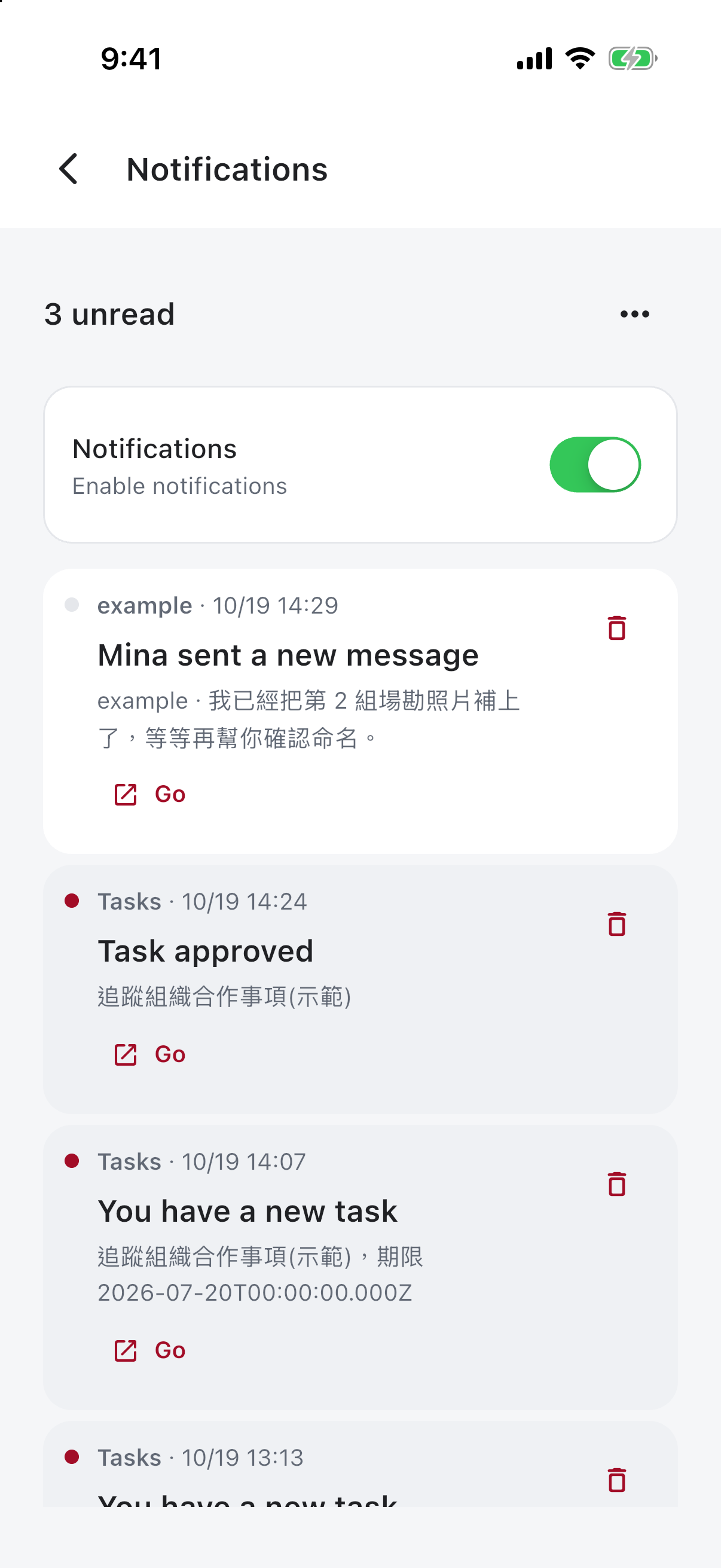
Use the destination action to open the associated work. For task, message, or usage alerts, rely on the destination page’s current state; the notification describes an earlier event.
3. If reminders are missing
Check in-app settings, operating-system permissions, focus or do-not-disturb mode, and connectivity. If only one work item is inaccessible, also check the workspace and resource permissions.
4. Prepare a useful issue report
Record app version, operating system, time, entry point, and error text. Describe a reproducible sequence, such as opening a task and seeing processing remain pending after submission. Remove passwords, verification codes, and non-public information from screenshots.
Retain pending recordings and confirm backup before reinstalling the app to address a display issue.
Return to the mobile overview.
Check the current status from a notification
Open the related conversation or task and read context. Marking a notification read does not complete work or accept requirements.
If content cannot be found
Check your account and workspace, then access to the original task or conversation. Older notifications may refer to revised content; inspect the current record rather than relying on preview wording.
Choose readable appearance
Use a theme suited to the environment and inspect text, buttons, and states. Appearance changes do not change data or permission. Investigate scope, filters, and processing for missing content.
| Symptom | First check |
|---|---|
| Expected notification missing | App and system notification settings, account |
| Notification cannot open | Account and access to the original content |
| Text difficult to read | Theme, system text size, layout |
| Work missing on a new phone | Account, workspace, successful saving |
Retain context for support
Record device and app version, entry, time, actual state, and expected result. Redact personal information rather than exposing full conversations or private notifications.