AI meeting notes and audio transcription: a practical guide
How do you turn a recording into reviewed meeting notes?
Submit a recording you have permission to use and check its processing status. Review the transcript, then generate or open summaries and action items through the available controls. Listen back to key passages and check names, numbers, decisions and deadlines before delivery. Upload, transcription and summary completion are separate states.
This guide covers the app workflow for small teams recording meetings or interviews. If you already have documents or text, start with the team library. For the product and plans, visit the GuppyCubed homepage.
1. Check consent and destination
Obtain appropriate consent and check microphone access, battery, and storage destination. Use a date and topic to make the recording recognizable later.
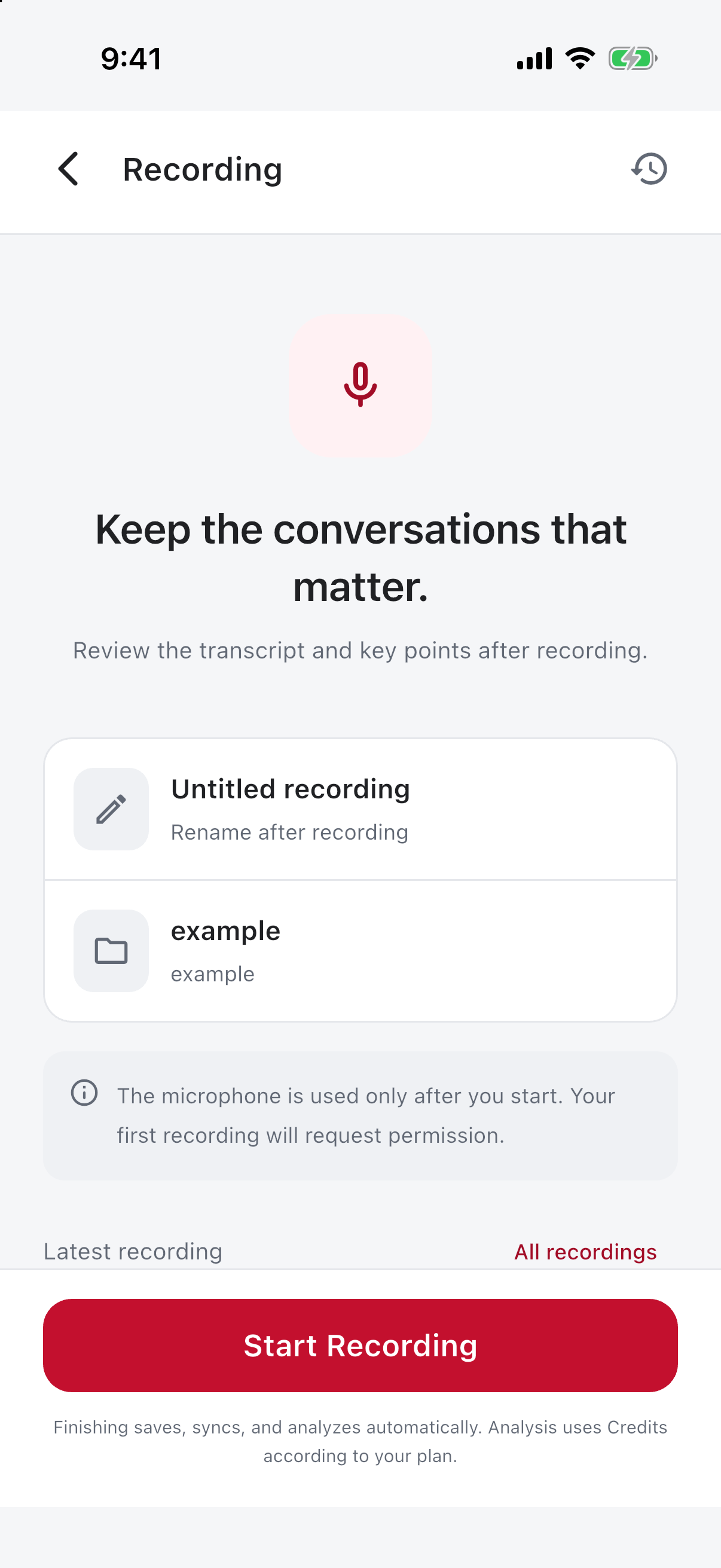
2. Record and submit
Start recording before the interview. Use pause and resume for breaks. Check completeness before submission and monitor upload and processing. Retain the local original during poor connectivity until the upload result is confirmed.
3. Review the transcript in details
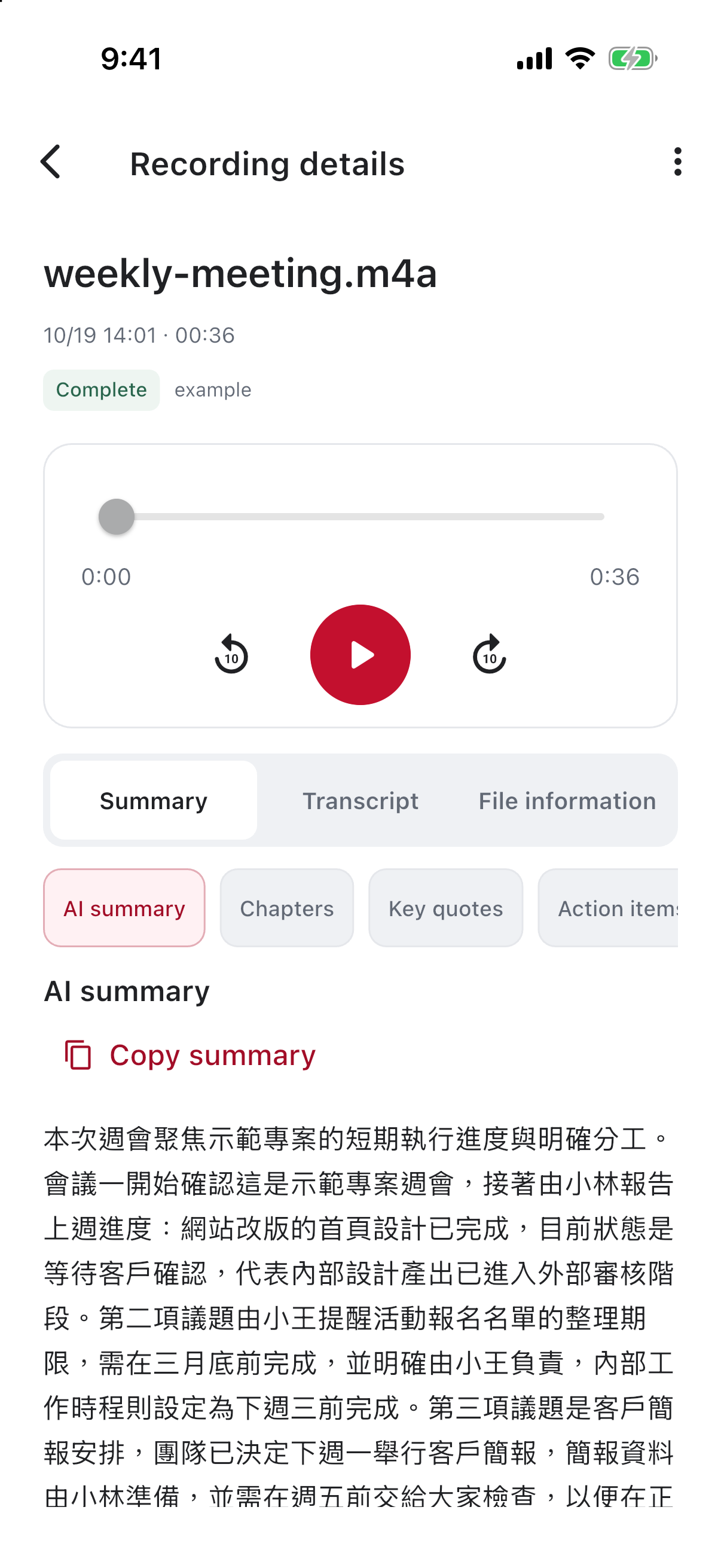
Check names, numbers, and specialist terms against the audio. Request highlights through the available action when absent. A completed label does not guarantee that every tab already contains an output.
4. Use highlights and the meeting document
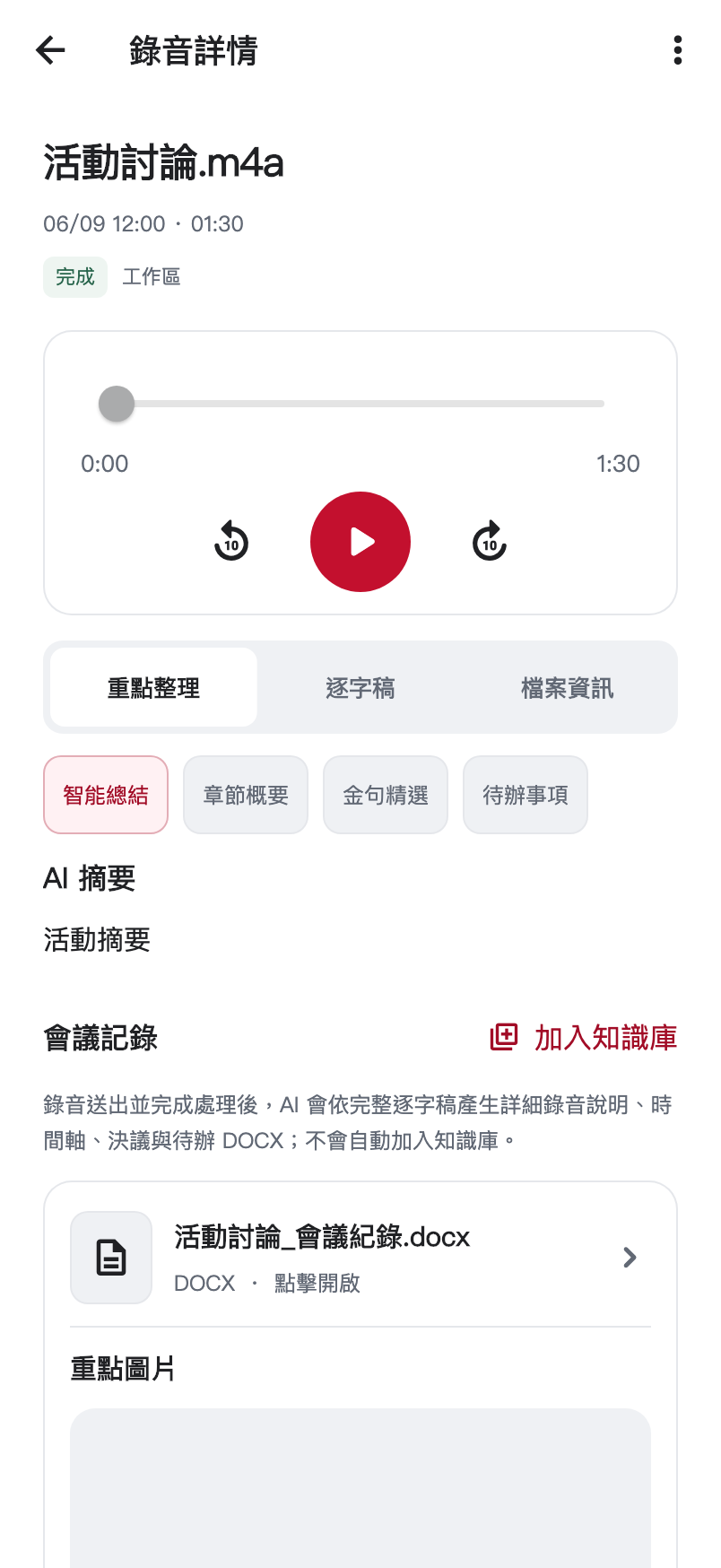
Highlights help locate material. Check the original before quoting it formally. Have a person supply missing owners or deadlines. Confirm the destination when adding meeting notes to knowledge for later retrieval.
5. Check before handoff
Verify playback, transcript readability, accurate summaries, contextual quotations, and team access. Submit the recording or notes to a task, or use the assistant for the next draft.
Connect audio, transcript, summary, and actions
Audio retains sound, transcripts support detailed reading, summaries provide orientation, and actions suggest continuation. Each layer condenses the original, so check conditions, tone, and unresolved points as you move downstream.
Verify the transcript
Start with names, figures, dates, and decisions. Replay surrounding context for uncertain wording. Overlapping speakers or noise may require confirmation from participants; do not guess identities or commitments.
| View | Use | Check |
|---|---|---|
| Summary | Understand main points | Missing limitations or dissent |
| Chapters | Locate topics | Appropriate topic boundaries |
| Quotations | Find possible excerpts | Meaning, context, permission |
| Actions | Prepare follow-up | Actual owners and deadlines |
Turn actions into tasks
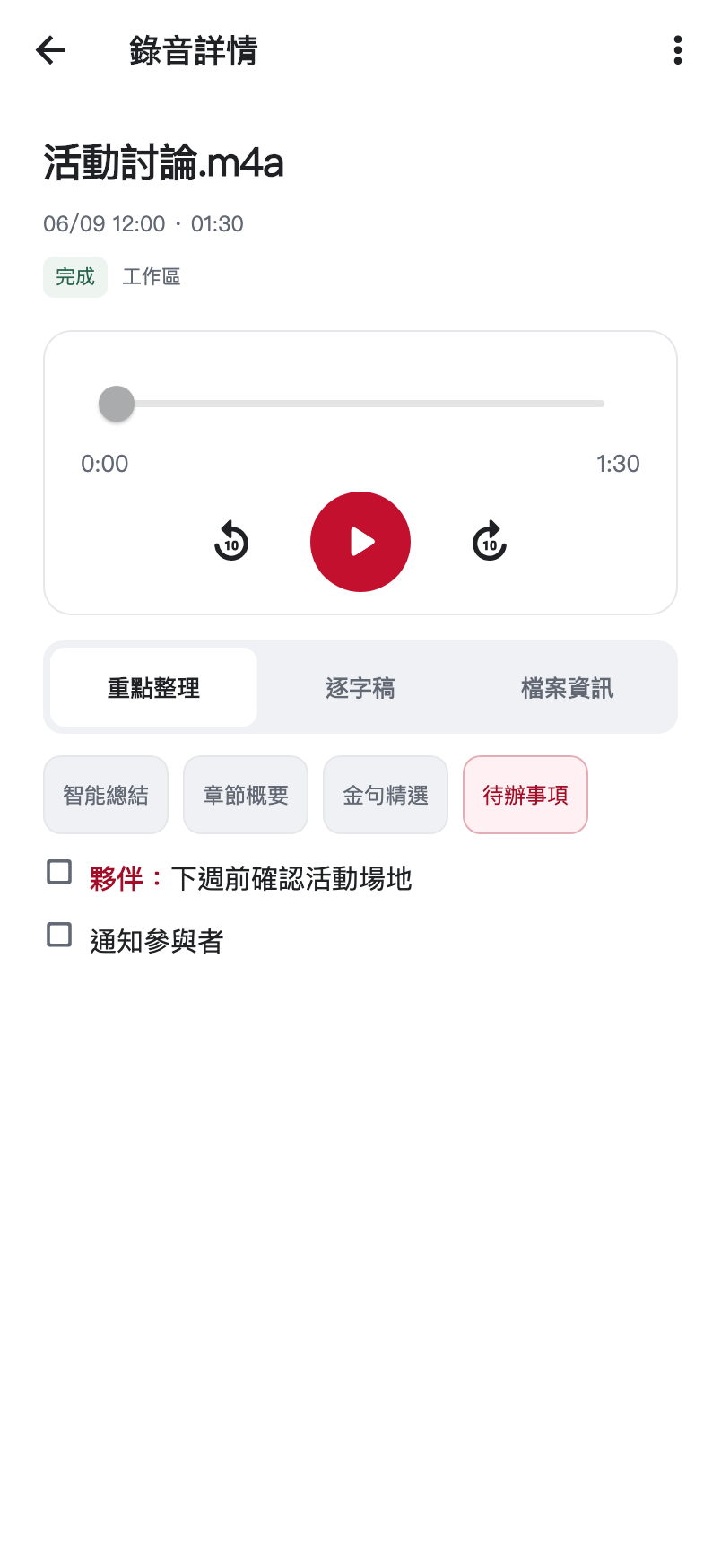
If an item says to confirm the venue next week, verify that it was agreed and has an owner. Keep missing details pending, then use task controls for real assignment or delivery. An action in a summary is not proof of assignment.
Verify saved records
Retain source, topic, and scope. Check knowledge destination after saving. For task delivery, determine whether requirements call for audio, transcript, summary, or several items.